
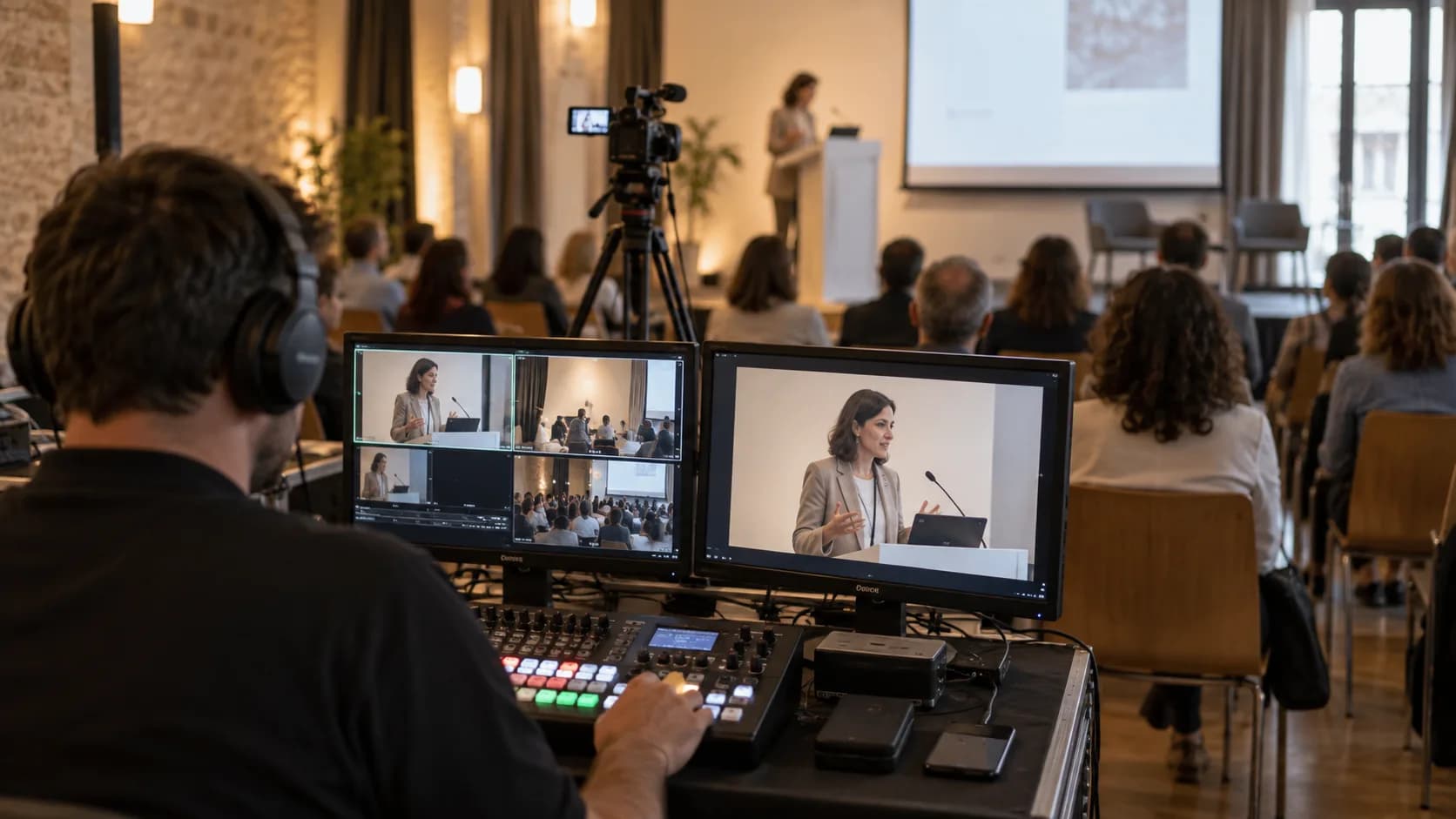
A static wide shot from the back of the room is no longer good enough for anyone: the online audience expects a proper production with several angles, on-screen graphics and the presentations built in, as if they were watching television. That is multi-camera streaming, and the difference between a flawless broadcast and one that drops out at minute ten is not luck, but preparation. At Zenor Audiovisual we deliver professional event streaming all over Spain with our own equipment and technicians, and in this article we explain, step by step, how we set up a multi-camera live broadcast so that nothing goes wrong.
What you need for a professional multi-camera live stream
- Two or more cameras with professional video output (SDI or HDMI) and operators wherever movement is needed.
- A vision mixer and a director: the person who decides at every moment which shot the viewer sees.
- Audio from the mixing desk, never the camera microphone: the clean signal comes straight from the sound system.
- An encoder that turns the programme signal into the stream the platform receives.
- A dedicated internet connection with guaranteed upload speed, plus an independent backup line.
How many cameras and where to place them
For most events, three cameras are the sweet spot: a wide shot that places the viewer, a mid or close shot of the speaker and a roving camera for the audience, panel discussions or details. With two cameras you can produce a decent broadcast if the format is simple; with four or more we are into the territory of galas, large congresses and live performances. More important than the number is the position: heights that do not cut off heads, axes that do not cross and no tripod blocking the view of the audience in the room.
Audio is 50 % of the broadcast
The online viewer will forgive an imperfect shot, but leaves within seconds if the sound is poor. That is why the streaming audio must come from a dedicated mix off the sound desk, with its own levels separate from those in the room, appropriate compression and a technician monitoring it at all times. If the event has live music, the broadcast mix is worked on separately. This point connects directly with sound for events: when the same team handles both the room and the broadcast, coordination problems disappear.
Connectivity and plan B: where the broadcast is won or lost
The number one cause of streams going down is the network. The bare minimum: a wired connection (never wifi shared with the attendees), a stable upload of at least twice the broadcast bitrate and a 4G/5G backup route that kicks in automatically if the main one fails. At critical events we add redundant encoding: two encoders broadcasting in parallel. If you want to understand the technology behind streaming, Wikipedia explains well how the video travels to the viewer; our job is to make sure that journey is never interrupted.
“A live broadcast is not improvised: it is rehearsed. Everything you test the day before is a scare you avoid on air.”
Vision mixing: graphics, presentations and pace
Vision mixing is what turns several feeds into a programme. A good director alternates shots with judgement, inserts the speaker's slides full screen or side by side with their camera, brings up lower thirds with name and job title and covers the transitions with cutaway shots. At congresses and conferences this means coordinating with the event script: knowing when each speaker comes on, when there is a video and when the Q&A starts. That is why we always ask for the running order in advance.
Checklist before hitting "go live"
- A full test broadcast the day before, on the same network and the same platform.
- Checking the streaming audio on headphones, not on the room monitors.
- Battery and backup recording in every camera, in case something has to be recovered in post-production.
- Title, description, privacy settings and thumbnail of the broadcast configured and checked.
- One person outside the venue watching the actual broadcast and in contact with the gallery.
If, as well as the online audience, you have attendees in the room interacting with the remote ones, we are no longer talking only about broadcasting: we are talking about a format with rules of its own, which we explain in our guide to hybrid events. And if you want to see real broadcasts we have produced, they are in our projects.