
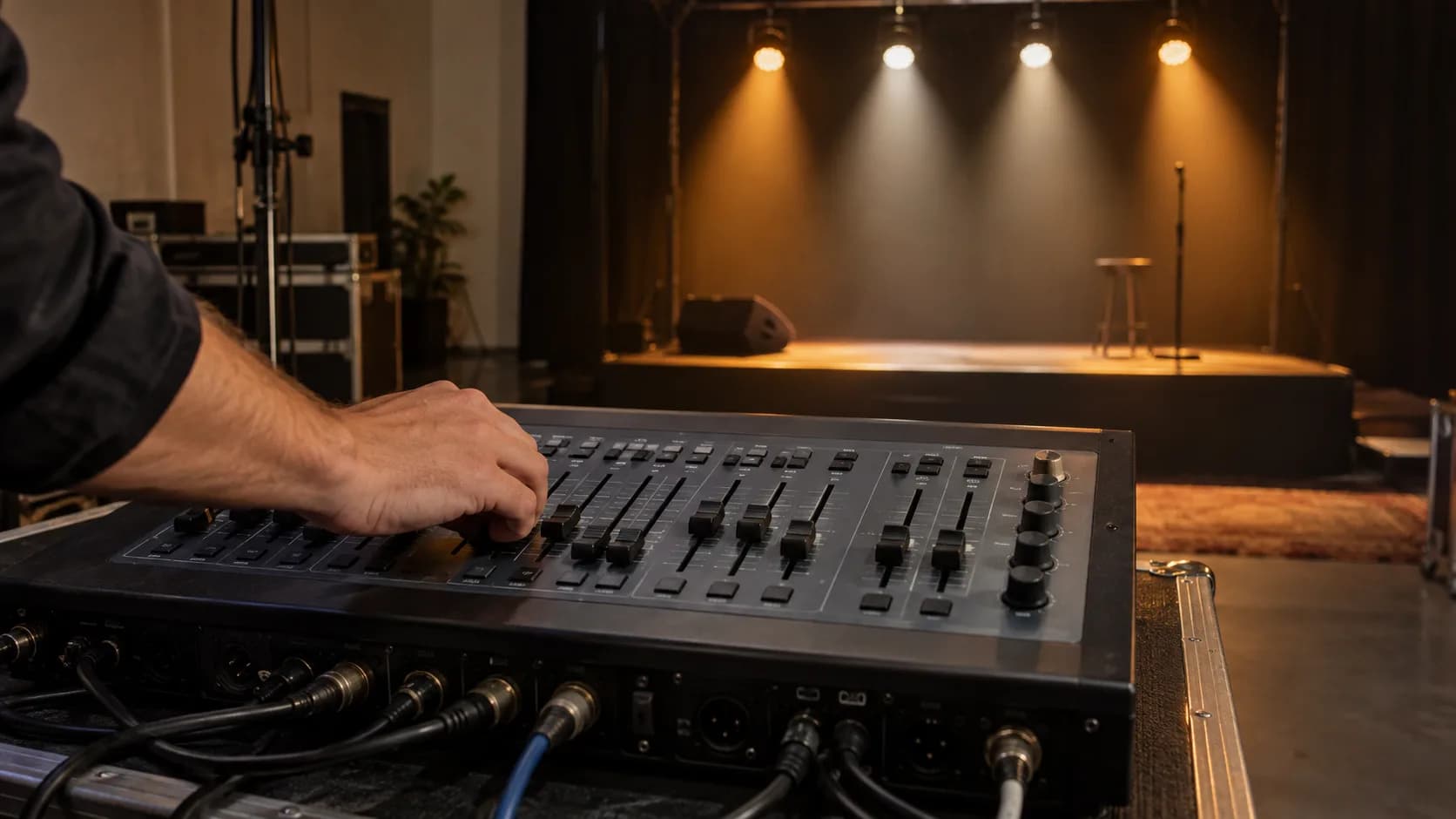
DMX is the language professional lights speak: the protocol a console uses to send orders to dozens of fixtures at once and get them to change colour, move and strobe in sync. Its standard version, DMX512, carries 512 channels per line. Here we explain how those channels get divided up and the step-by-step we follow to light a stage in our event lighting service.
What DMX512 is and where it came from
DMX stands for Digital Multiplex. DMX512 is a protocol created in 1986 by the United States Institute for Theatre Technology (USITT) to unify the control of dimmers and stage lighting fixtures. Four decades on it is still the universal standard, to the point that a console bought today can control a fixture from twenty years ago. The full technical sheet is on Wikipedia, but the idea is simple: a digital signal travelling down a cable from the console to each fixture, telling it what to do at every moment.
Channels, addresses and universes: how DMX works
- Channel: each parameter of a light (intensity, colour, movement, strobe) takes one channel, with values from 0 to 255.
- Universe: each DMX line carries 512 channels, refreshed dozens of times per second. If you need more, you add another universe.
- DMX address: the number from which each fixture starts listening. A fixture in 8-channel mode addressed at 1 listens from 1 to 8; the next one should start at 9.
- Channel mode: the same fixture can run in a basic mode (4 channels) or a full one (20, 30 or more), depending on how much control you need.
With those four ideas you can already do the arithmetic for a rig. Twelve LED bars in 8-channel mode take 96; four moving heads in full 20-channel mode take another 80. Added together they sit comfortably inside a single 512-channel universe, with room left for the blinders. A second universe does not appear because you have many fixtures, but because you have fixtures with many parameters.
DMX cabling: connectors, chain and terminator
DMX travels down cable on 3- or 5-pin XLR connectors, with the fixtures chained in series (what is known as a daisy chain): console to first fixture, that one to the second, and so on. There are three things you cannot skip:
- Use actual DMX cable. Mic cable looks the same, but its impedance causes random flicker over long runs.
- Fit a 120-ohm terminator on the last fixture in the chain.
- Do not chain more than 32 units without a splitter to regenerate the signal.
Half of the ghosts in lighting, those fixtures that flicker or move on their own, are the wrong cable or an unterminated chain. It is not bad luck and it does not get fixed by restarting the console.
How a stage gets lit, step by step
- 1. Lighting plan: what needs lighting and from where. Front light to see faces, backlight for depth, sides and toplight to dramatise.
- 2. Choice of fixtures: profiles and fresnels for the front, moving heads for movement, LED bars for background colour, blinders and strobes for impact.
- 3. Rigging and addressing: hang, aim and give every fixture its DMX address without overlaps.
- 4. Patching the console: tell the controller which fixture sits at each address, so you handle it by name rather than by numbers.
- 5. Programming scenes and chases: lighting memories for each moment, and sequences synced to the music.
- 6. Full run-through: go through every scene with sound and in genuine darkness, before doors open.
“Stage lighting gets designed twice: first on the plan and then on the console. Improvising with 512 channels in front of an audience is not a plan.”
Common mistakes when working with DMX
- Using mic cable instead of DMX cable: guaranteed flicker over long runs.
- Duplicate addresses: two fixtures doing exactly the same thing with nobody sure why.
- Forgetting the terminator at the end of the chain.
- Mixing different channel modes and patching from memory, without checking the fixture manual.
- Running the DMX line right alongside power cabling over long parallels, which is an open invitation to interference.
And without cables? Wireless DMX and Art-Net networks
When cable cannot get there (a façade, a square, a tree in the way) there are reliable wireless DMX transmitters to cover the distance. And on large rigs DMX travels encapsulated over Ethernet, with protocols such as Art-Net or sACN, moving dozens of universes down a single data cable. That is also how the architectural façade lighting rigs are controlled, and the shows that combine lights with giant LED screens.
Do you rig the lighting yourself or leave it to a technician? For a small party, a couple of LED bars in auto mode will see you through. For a stage with an audience, performers and a schedule to keep, the sensible thing is a design done beforehand: we bring our own fixtures, console and technician to every rig, and there are real examples in our projects. If you want to know what your event would need, tell us about it here.