
This glossary is for anyone organising an event who has received a technical quote full of words they have never used. You do not need to know how to rig a system to hire one well, but you do need to understand what you are being offered and what to ask when something does not add up. We have grouped the terms by area, in the same way the audiovisual solutions for an event are split, and for each one we explain what it is and why it affects you.
Sound
PA (main system)
The loudspeakers that cover the audience, as opposed to the ones the musicians or speakers hear on stage. When a quote for event sound mentions «the PA», this is what it means, and it is the part that has to be sized for the audience numbers and the shape of the space.
Line array
A column of identical cabinets, usually flown, that behaves as a single sound source. It controls far better where the sound goes and loses less level over distance, which is why it turns up in large spaces and outdoors. In a function room for a hundred people it is not usually needed.
Subwoofers
Cabinets dedicated to the lowest frequencies only, the ones you feel in your chest. For speeches they add very little; for a party with music or a concert, without them the sound is flat.
Monitors
Loudspeakers pointed at the stage so that whoever is performing or speaking can hear themselves. They can be wedges on the floor or in-ear earpieces. If a live band asks for monitors and there are none, it will play worse even if the PA is good.
Mixing desk
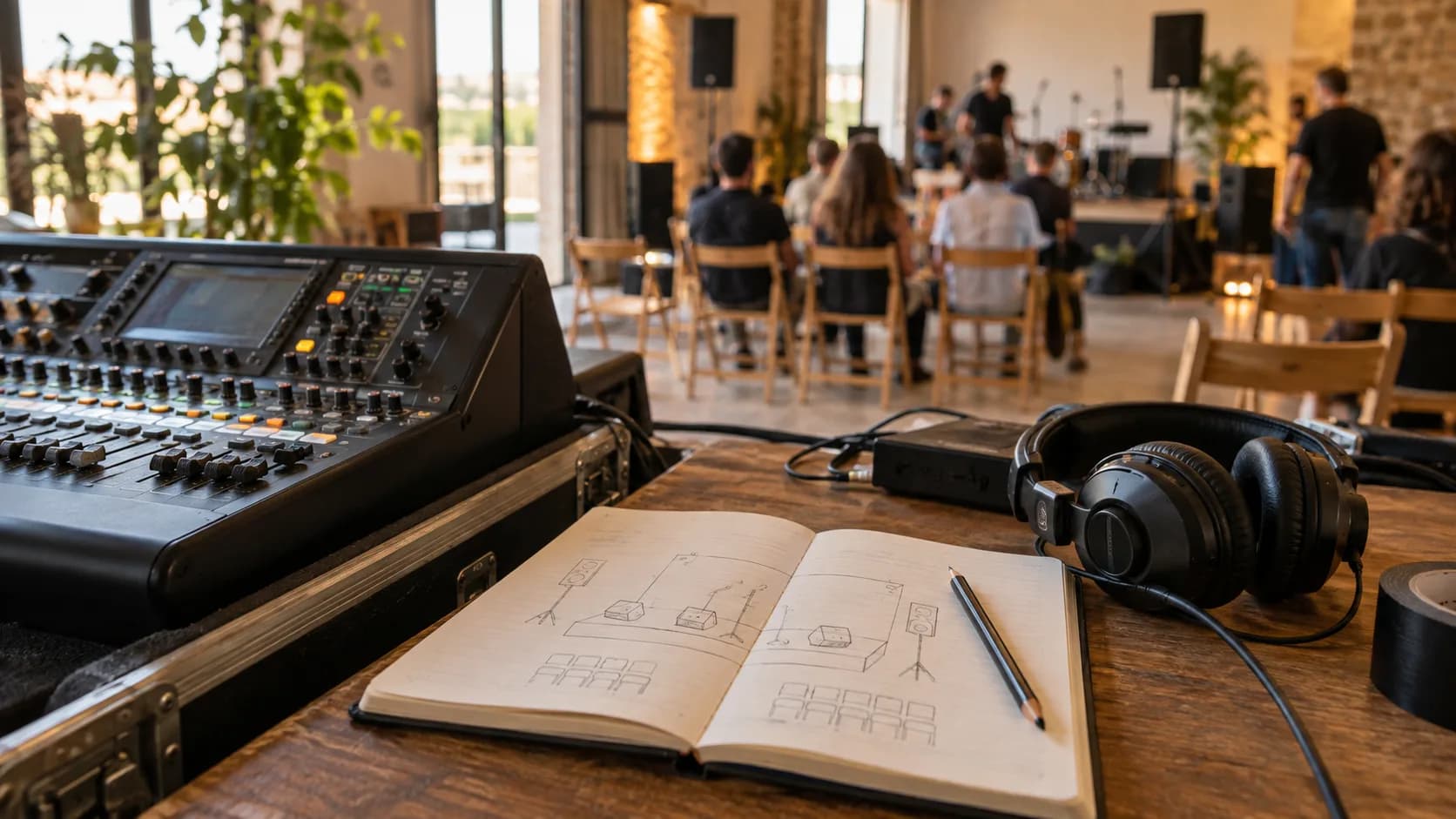
The unit that every microphone and instrument feeds into, and from which the level and tone of each one is adjusted before it goes to the loudspeakers. The desk does nothing on its own: the difference is made by whoever runs it, which is why it is worth knowing what a sound engineer does at an event.
Wireless microphones
Microphones that send their signal by radio to a receiver, with no cable. There are handheld, lavalier and headset models, and each is for something different; we explain it in the guide to wireless microphones for weddings and conferences. They run on batteries, so ask who changes them during the event.
RMS power and peak power
RMS is the power a piece of equipment can handle continuously; peak is what it reaches for an instant. Peak is always the bigger number, so two quotes can only be compared if they use the same one. To get an idea of how much you need, see how many watts of sound an event needs.
Feedback
The squeal you hear when a microphone picks up the sound from a loudspeaker and amplifies it again in a loop. It is prevented by placing microphones and loudspeakers properly and adjusting the EQ during the soundcheck, and during the show the engineer cuts it before it drags on.
Delay towers
Support loudspeakers placed halfway down the venue, with their signal delayed just enough to arrive at the same time as the sound from the stage. They are used when the audience is so far away that the main PA cannot reach the back clearly without deafening the front rows.
Lighting
DMX
The standard protocol a lighting desk uses to send instructions to each fixture: colour, intensity, position. Each unit takes up a number of channels within a universe of 512. If you want to understand it more calmly, it is all in what DMX is and how to light a stage.
Wash
A fixture with a soft, open beam that floods an area evenly with colour. It is the basis of almost any stage or dance-floor lighting design.
Spot
A fixture with a defined beam and sharp edges, which lets you shape the light and project patterns. It is the one used to follow a person or pick out a specific point on stage.
Beam
A fixture with a very narrow, intense beam, designed so the shaft of light can be seen in the air. It is an effect, not for lighting anyone, and it really shows when there is some haze in the room.
Gobo
A template placed in front of a fixture's lamp to project a shape: a pattern, some initials, a logo. At weddings and brand launches it is a common resource on walls or the dance floor.
Uplighting
Fixtures placed on the floor beside walls, columns or trees, pointing upwards. It changes the colour of a whole room without touching the decor, which is why it appears so often at weddings and gala dinners.
Smoke machine and hazer
A smoke machine puts out dense clouds; a hazer, a fine, almost invisible mist whose only job is to make the light beams visible. Before using either, the venue must be told, because they can set off fire detectors.
Screens and video
Video wall
A large screen made of modules that fit together, so the size can be matched to the stage. These days it almost always means LED screens, although a grid of monitors is also called a video wall.
Pixel pitch
The distance, in millimetres, between the centre of one pixel and the next on an LED screen. The smaller it is, the sharper the image and the closer the audience can be without seeing the grid of dots; we go into it in giant LED screens for concerts and fairs.
Nits
The unit used to measure a screen's brightness (candelas per square metre). A screen for outdoor use in daylight needs far more brightness than an indoor one; without it, nothing can be seen in direct sun.
IP65
A protection rating: the 6 means the equipment is dust-tight and the 5 that it withstands jets of water. If the event is outdoors, this is the figure to look for on the spec sheet of screens and fixtures.
Video processor
The unit that receives the signals (presentation laptop, cameras, videos) and adapts them to the screen's resolution. It also lets you switch from one source to another without the screen going black.
Projector and lumens
Lumens measure how much light a projector gives out. With the room in darkness almost any will do; with daylight or the house lights on, a projector short on lumens ends up with a washed-out image.
Aspect ratio
The proportion between the width and height of the image, such as 16:9. LED screens built from modules often have different proportions, so ask for the size before preparing videos or slides.
IMAG
Short for image magnification: showing on screen, live, the camera image of whoever is speaking or performing. At conferences and in large auditoriums it is what lets the back rows see the speaker's face.
Streaming
Streaming
Broadcasting the event live over the internet so it can be followed from outside the room. A well-run streaming service depends as much on the venue's connection as on the cameras.
Multi-camera production
Recording or broadcasting with several cameras at once while one person, the vision mixer, chooses which shot goes out at each moment. This is how it works in practice in how to stream an event with multiple cameras.
Encoder
The device or software that turns the video signal into a compressed stream that can be sent over the internet. If it fails, the broadcast cuts out even though the cameras keep recording.
RTMP
The most common protocol for sending the encoder's signal to a video platform. To use it you need a server address and a stream key, which is normally generated by whoever owns the channel where the event will be watched.
Upload bandwidth
The speed at which the connection sends data to the internet, which is what matters for broadcasting, not the download speed. The sensible option is a wired line dedicated to the stream, not the wifi that two hundred attendees are sharing.
Set-up and logistics
Technical rider
The document in which an artist, band or speaker sets out what they need: microphones, monitors, connections, timings. If you book someone who comes with a rider, pass it to the technical company as soon as you have it.
Truss
The aluminium lattice structure from which lights, screens or loudspeakers are hung. It can stand on towers resting on the floor (ground support) or be suspended from the ceiling, and in both cases the clear height of the space has to be checked.
Ground stack
Stacking the loudspeakers on the floor or on top of the subwoofers instead of flying them. It is the option when the ceiling cannot take weight or the set-up has to be quick.
Flying (rigging)
Hanging equipment from anchor points in the ceiling or on a structure, usually with motors. It requires knowing how much weight each point can take and trained staff; not every venue allows it.
Power supply and outlets
The power supply is the point that feeds electricity to all the equipment, and what matters is how much power it delivers and whether it is single-phase or three-phase. Ask the venue well in advance: a household socket will not run a large LED screen.
Generator
A generator set for places without enough supply, common at country estates and outdoor events. Ideally it should be soundproofed and placed well away from the audience area.
Control position (FOH)
The position from which sound and lights are run, usually facing the stage and in the middle of the audience, which is where you hear what the attendees hear. It needs a space reserved on the table or seating plan.
Set-up and teardown
The time needed before and after the event to install and remove the equipment. Ask the venue what time you can get in and what time it has to be cleared, because those hours determine how many crew are needed.
Soundcheck
Checking microphones, levels and equipment before the audience comes in. If there are speakers or live music at the event, make sure they take part: a short check saves a lot of scares.